Automotive & styling
Beverly Hills, California AI MOTION TRANSFER & OBJECT SWAP
Your footage.
New possibilities.
Transfer motion to a character. Swap objects in a scene.
Create something for your audience, your clients, or just for fun.
Plans from $19/month · Cancel anytime · You keep the rights to your videos
GENJUTSU MOTION TRANSFERNew character.
Same shot.
New character.
Same starting moves.
Use a performance to guide a character from your reference photo. Film your own dance or performance, then recast it as an original character or a new look.
Transfer motion GENJUTSU OBJECT SWAPSame shot.
Something new in it.
Use reference photos to replace an object in your footage. Explore product variations, equipment concepts, and fresh looks.
Swap an object Directed by you. Powered by Higgsfield.
ONE STUDIO. MANY WAYS TO CREATE.For the work you do.
For the work you do.
And the things you make.
A character remix for your feed. A visual concept for your next project.
Start with footage you already have and explore what it could become.
What will you make?
 Ready-to-use preset
Recast the seaside scene.
Use two reference photos to replace the man and woman in this seaside clip, carrying over each reference person’s face, hairstyle, body shape, and proportions.
Try this idea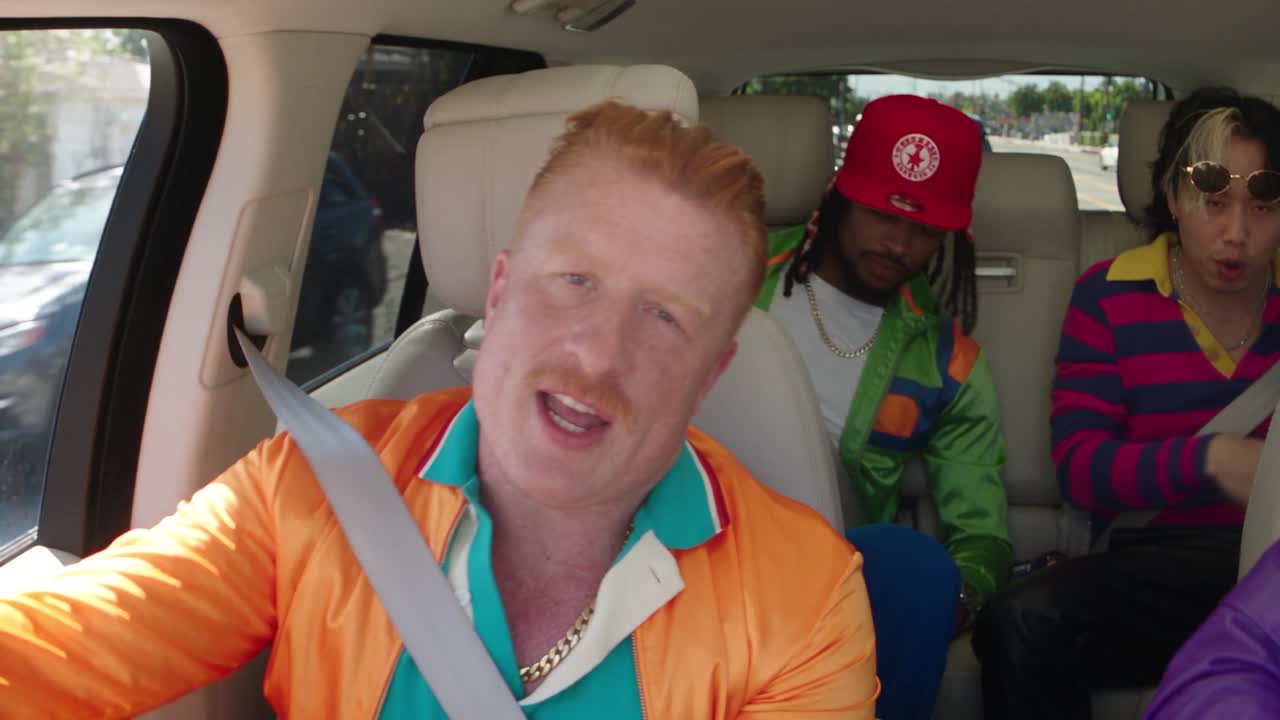 Ready-to-use preset
Give the car crew a new cast.
Recast this car performance with three character photos: the man in the orange shirt, the man in the red cap, and the man in the striped shirt.
Try this idea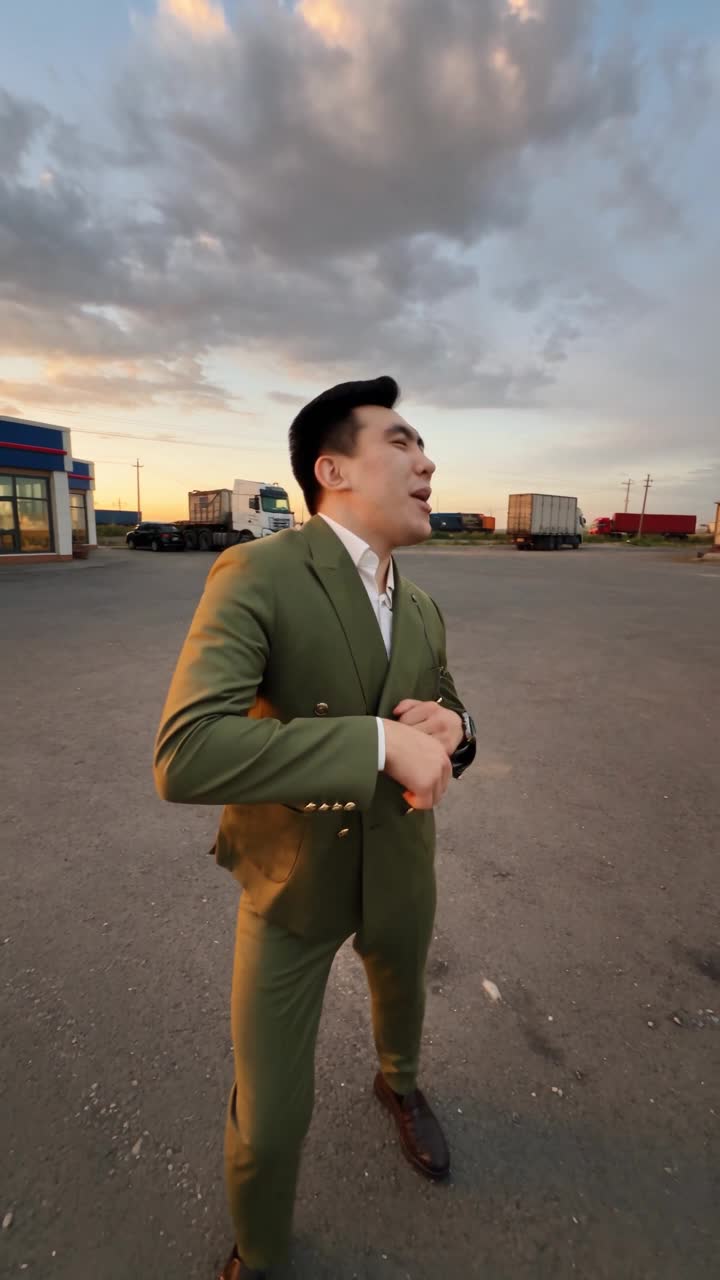 Ready-to-use preset
Recast all three characters.
Use this clip with three character photos: the first guy, the guy holding the camera, and the guy coming out of the car. Keep their original movements.
Try this idea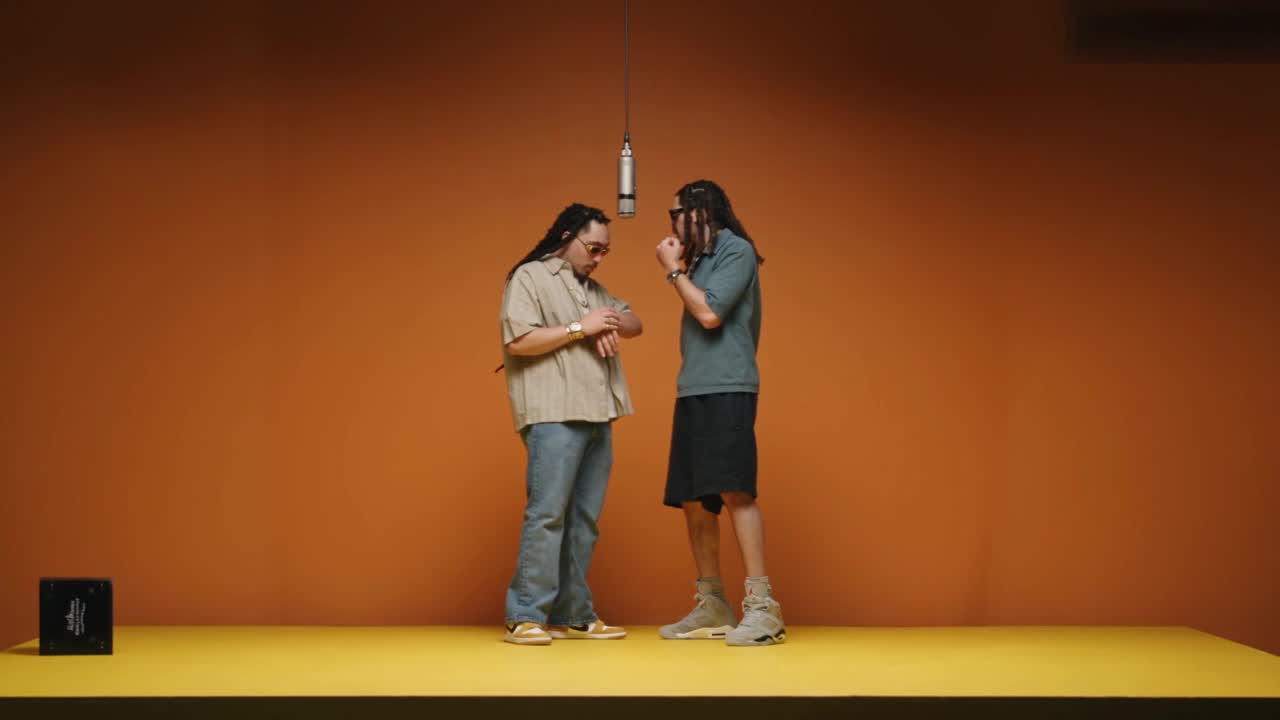 Ready-to-use preset
Give this duo a new cast.
Use this performance clip with two character photos. Photo 1 replaces the guy on the right; photo 2 replaces the guy on the left.
Try this idea Creators & entertainmentGive the performance a new cast.
Film your own performance, then recast it with an original character, a stylized version of you, or a new look. Your movement and timing carry over.
Try this idea Construction & renovationShow the idea on site.
Explore a different fixture or piece of equipment in a site clip. Make visual concepts for client conversations and social content.
Try this idea Brands & small businessesTry a new product in the shot.
Explore another product, prop, or furniture piece using footage you already have. Build creative variations for your next campaign.
Try this idea Anyone with an ideaPut your character in motion.
Bring a mascot, an illustration, or a character concept to a dance or performance. Start with a short clip and see where it takes you.
Try this ideaCONCEPT GALLERYA few looks
A few looks
to explore.
AI-generated scenes for visual inspiration. These are not before-and-after Genjutsu demonstrations.
Original AI concept scenes generated with Higgsfield
BRING A CLIP. GIVE IT DIRECTION.From source clip
From source clip
to your next edit.
Choose your tool, upload your references,
and tell Reelform what you want to change.
 AI concept scene. Your footage comes next.
01
Start with your footage.
A dance clip, a site walkthrough, or a product shot. Upload a short video with a clear subject and steady motion.
Your clip is the starting point02
Choose what to change.
Choose Motion Transfer for a new character or Object Swap for a replacement object. Add reference photos and describe the edit.
A reference image + your direction03
Generate your next edit.
Review the credit cost, generate your video, and check the result. Refine your references or prompt, then download the version you like.
Preview, refine, download AI concept preview
YOU’RE THE DIRECTORGive your footage
Give your footage
a new role.
Turn a performance into a character edit, or try a new object in an existing shot. Genjutsu Motion Transfer and Object Swap give you two ways to start.
Try motion transferA little curious?
Good. So are we.
A few things before your first edit.
Reelform is an AI video studio for motion transfer and object swaps. Upload footage and reference images to create character remixes, product variations, site concepts, and other edits using Genjutsu and additional video models.
Choose Motion Transfer when a source performance should guide a character from your reference image. Choose Object Swap when you want to replace an object in an existing shot. Both need a source video and at least one reference image; the studio shows the available settings and cost. More models are ranked in the studio, with a note on what each is best at.
Yes. Reelform does not take ownership of videos you upload or create. Community sharing is optional: you choose what to publish, keep your rights, and can remove your posts anytime. Publishing only gives us permission to host and display the post. You must have permission for any third-party content in your video.
Yes. Choose Seedance 2.5 Create or Seedance 2.0 Create under More models and describe the video you want. You can add photos to guide it, or a clip for inspiration, but neither is required. Pick the length and shape (landscape, vertical, square, and more) in the settings. Genjutsu Motion Transfer and Object Swap always need your video and at least one photo, and editing models need a video to edit.
MP4, MOV, M4V, or WebM files up to 1 GB. Clips longer than your plan allows, up to 10 minutes, open in the built-in editor so you can trim them down: 10 seconds on Starter, 20 on Pro, and 30 on Studio. Add JPG, PNG, or WebP reference photos to guide the change. Short, well-lit clips with a clearly visible subject and simple movement work best.
Yes. The studio editor lets you trim, split, delete, and reorder parts of a clip and mute its sound. Editing happens on your device, so nothing is uploaded until you use the result. You can also open a finished video in the editor to download a cut or send it back to the AI.
Type @ in your prompt to mention @video or a photo, like “replace the car in @video with the one in @image2.” Photos are numbered in the order you add them.
480p and 720p on every plan. Full HD 1080p is included with Pro and Studio for supported models, including both Genjutsu tools. Higher quality costs more credits; the studio shows the exact cost before you send.
Each video’s credit cost depends on its model, quality, and length, and is shown before you send. If a generation fails or is blocked, your credits are returned automatically. Credits expire 90 days after they become available.
Our video provider’s content filter blocks some requests without saying which input triggered it. The most common causes are photos of real or famous people and professionally produced footage featuring well-known performers, such as music videos. Your own footage with photos of yourself, people who agreed to it, or original characters works best. Blocked generations return your credits.
The original video guides the action, while your prompt and reference photos guide the changes. AI can vary faces, motion, and fine details, so results may need another iteration. Avoid fast cuts and heavily obscured faces for a clearer starting point.
Explore fixtures, furnishings, or equipment in short site clips for client conversations and marketing. Treat outputs as visual concepts: AI may change dimensions, materials, and details, so check them before presenting them as a proposed design.
Video generation is powered by Higgsfield. Reelform sends your footage, references, and prompt to the selected video model, then brings the completed result back to the studio.
The landing-page clips are original AI-generated concept scenes created with Higgsfield. They are visual inspiration, not before-and-after edits or demonstrations of Genjutsu Motion Transfer or Object Swap.
THE NEXT SCENE IS YOURSStart with a clip.
Start with a clip.
See what you can make.
For your next post, pitch, project, or experiment.
Start creating